Postage - Royal Mail Fee To Pay
If you've received a Royal Mail Fee to pay card, you can pay this directly using the Franking Machine.
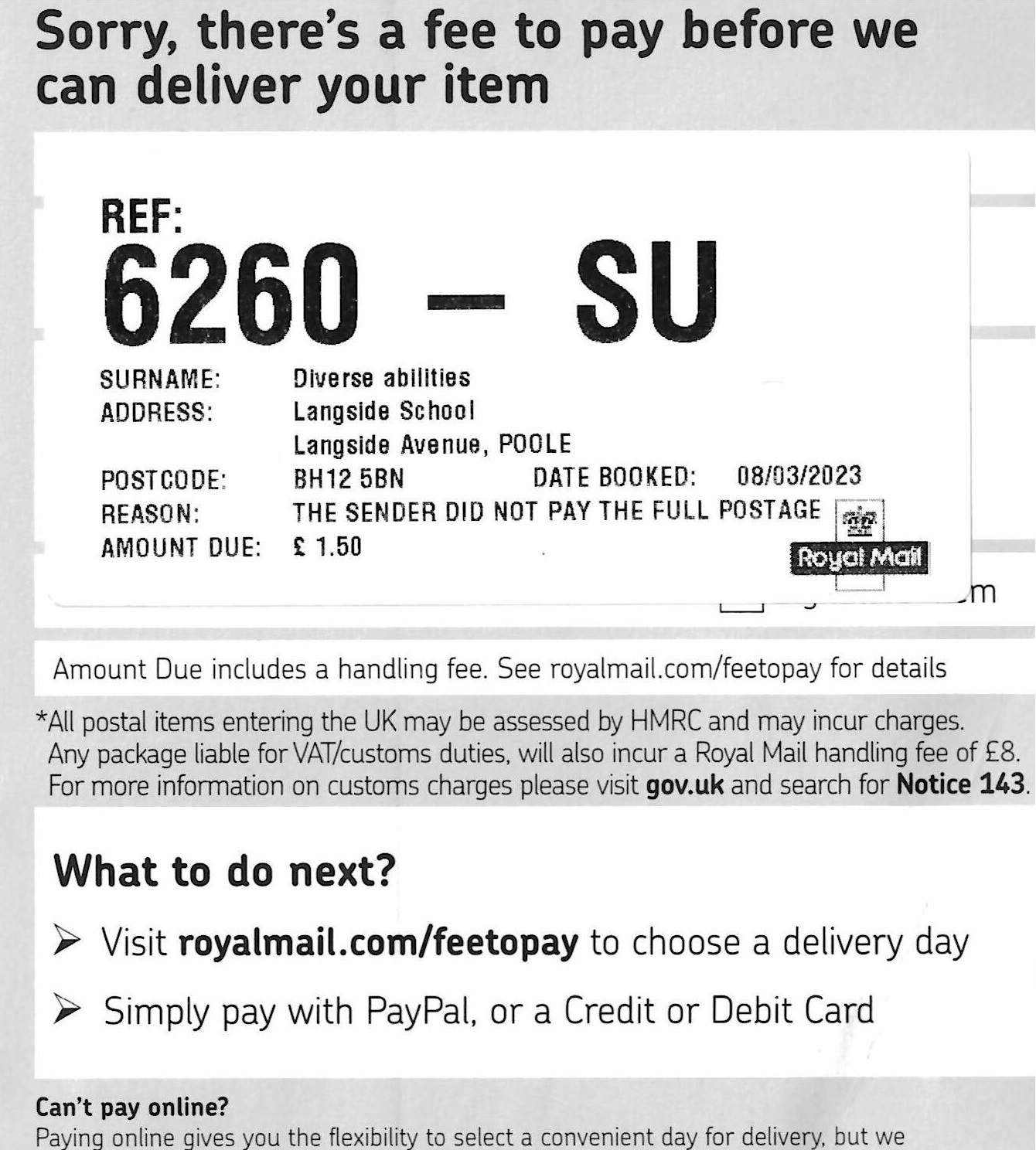
1) Take the fee to pay card to the Franking Machine, and Select Envelope Printing.
2) Press the option for "Class" and then "Start Over"
3) Scroll down until you see "Surcharge Payment" and press it, then press "Surcharge Payment" again.
4) Press the appropriate amount (Normally 0-500) for the Surcharge Payment option, and type in how much it says on the Fee To Pay card.
5) Press "Apply" and the Franking Machine will go back to the normal screen.
6) As in the picture below, ensure the "Affix postage" area is in the top right, and feed the card through the franking machine as normal.
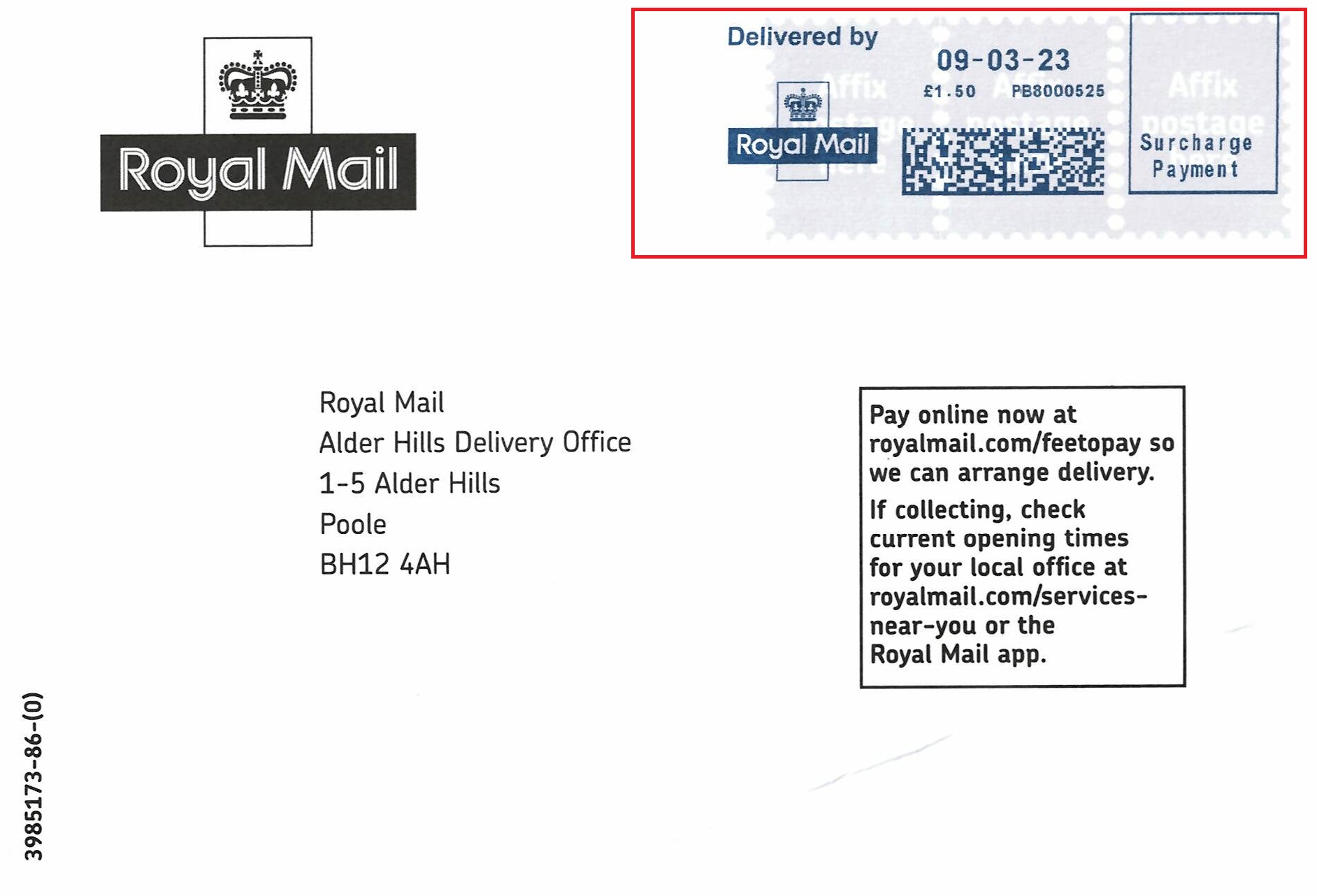
You have now paid the fee, simply put the card into the 1st class red postage bag and it will be collected.
The letter will be delivered the next day.